Create Original Certificates
Easily
Free iPhone app to create award certificates, diplomas & appreciation awards.
Print directly from the app. Perfect for schools, offices, kids rewards & special occasions.

Key Features
Rich Templates
Choose from 4 designs: floral, sakura graduation, birthday, and valentine.
Easy Customization
Choose from preset messages, pick dates from a calendar, and create your original certificate in minutes.
History
Save your created certificates in the app and reuse anytime.
Vertical & Horizontal
Layouts optimized for each template.
Draft Save
Auto-save your work in progress. Resume editing anytime.
BGM Preview
Play background music during preview. Set the perfect mood for the award.
Multi-language
Supports Japanese and English. Automatically switches based on your device settings.
Print directly to your printer from the app.
Template Overview
| Template | Style | Best For | Layout |
|---|---|---|---|
| Floral | Elegant | Appreciation & gifts | Horizontal |
| Sakura Graduation | Japanese | Graduation & completion | Horizontal |
| Birthday | Pastel | Birthday celebrations | Horizontal |
| Valentine | Romantic | Valentine & love | Horizontal |
How It Works
1. Choose a Template
Browse 4 beautiful designs for any occasion
2. Customize Your Certificate
Enter recipient name, award title, and message
3. Save & Share
Export as high-quality PNG, share via social media or AirDrop
App Screenshots
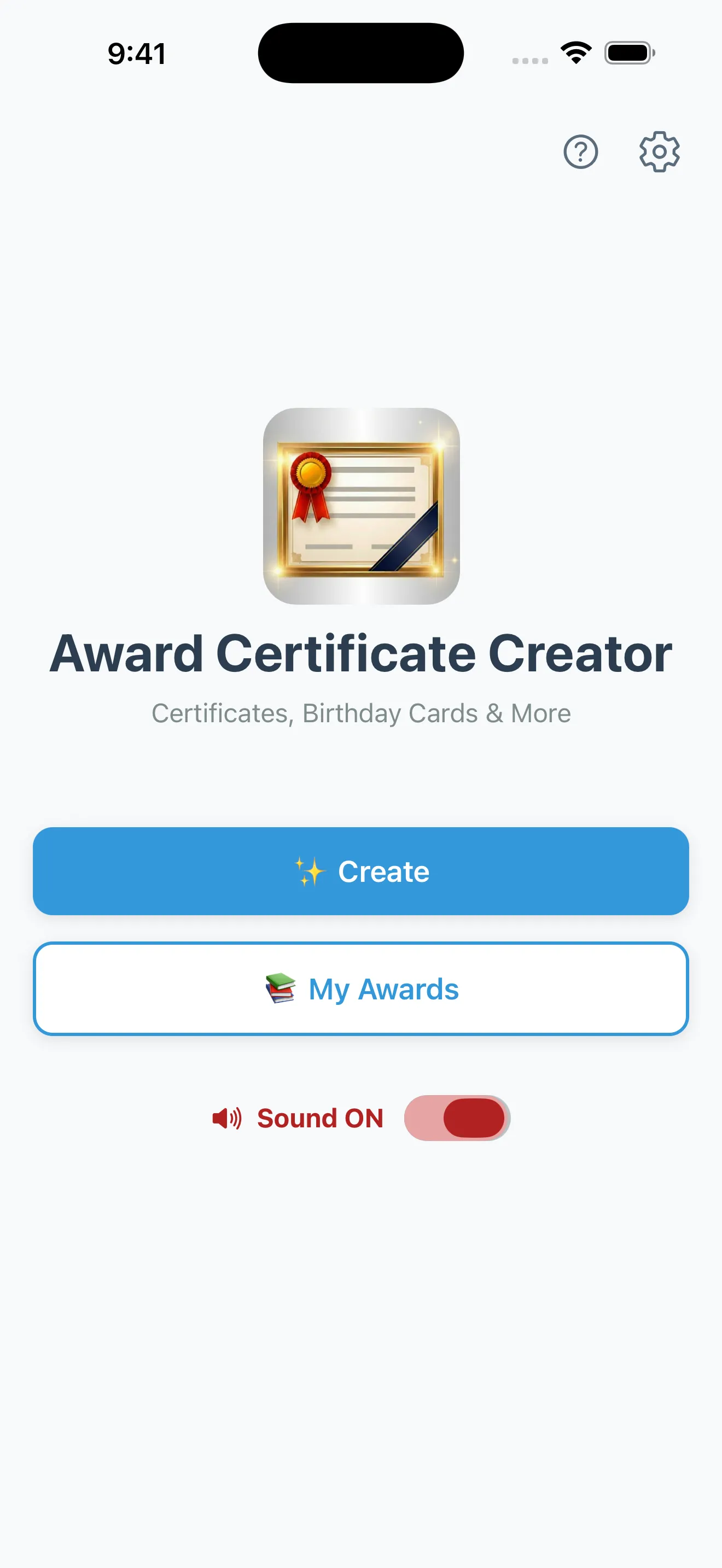
Home

Templates

Input

Preview: Floral

Preview: Sakura Graduation

Preview: Birthday

Preview: Valentine

My Awards
Perfect For
🏫 School Events & Clubs
Sports days, cultural festivals, club activities, and more
🏢 Company Awards
Employee of the month, sales achievements, and recognition
👨👩👧👦 Family Appreciation
Express gratitude with a special personalized certificate
🎉 Event Souvenirs
Contest prizes, tournament awards, and participation certificates
🎂 Birthday Celebrations
Celebrate special days with pastel-colored birthday cards
👶 Kids Rewards & Achievements
Motivate children with colorful certificates for good behavior, homework completion, and milestones
Frequently Asked Questions
Is Award Certificate Creator free to use?
Yes, all basic features are completely free. You can download the app from the App Store at no cost, choose from 4 beautifully designed templates, and create professional-quality award certificates. All core features including creating, saving, sharing, and printing certificates are available without any additional charges.
Does it work offline?
Yes, creating, editing, saving, and sharing certificates works entirely offline. You can select templates, enter text, preview your certificate, and export high-quality PNG images without any internet connection. All your data is stored locally on your device. Only displaying advertisements requires an internet connection.
What occasions is it suitable for?
The app is ideal for a wide range of occasions including school award ceremonies, sports day events, company employee recognition, and club activity prizes. It's also perfect for personal use such as family appreciation certificates, children's reward cards, birthday celebrations, and Valentine's Day messages.
What types of templates are available?
We offer 4 beautifully crafted template designs: floral for elegant occasions, sakura graduation for academic achievements, birthday for fun celebrations with pastel colors, and valentine for expressing love and appreciation. Each template supports both vertical and horizontal layouts with fully customizable text.
Is it suitable for kids awards and rewards?
Absolutely! The app is perfect for motivating and rewarding children. Use the floral or birthday card designs to celebrate achievements, good behavior, homework completion, or special milestones. The simple interface makes it easy for parents and teachers to create colorful, professional-looking certificates that kids will love to receive and display.
Can I print the certificates?
Yes, you can print certificates directly from the app using any AirPrint-compatible printer. The built-in print feature lets you produce physical certificates without any extra steps. Alternatively, you can export your certificate as a high-quality PNG image and print it at home, at a convenience store, or at a professional print shop for the best results.
How do I share my certificate?
You can share your completed certificates in multiple ways. Use the built-in share function to send them via social media platforms like Instagram, Twitter, or Facebook. You can also share directly through AirDrop to nearby Apple devices, attach them to emails, or save them to your photo library. All certificates are exported as high-quality PNG images that look crisp and professional on any platform.
What languages are supported?
The app fully supports both Japanese and English as interface languages, and automatically switches based on your device's language settings. For certificate content, you can freely type in any language — the text input field accepts all characters and scripts, so you can create certificates in French, Spanish, Chinese, Korean, or any other language you need.
Download Now
The app is free to use. Download for your device.
Free to download.